
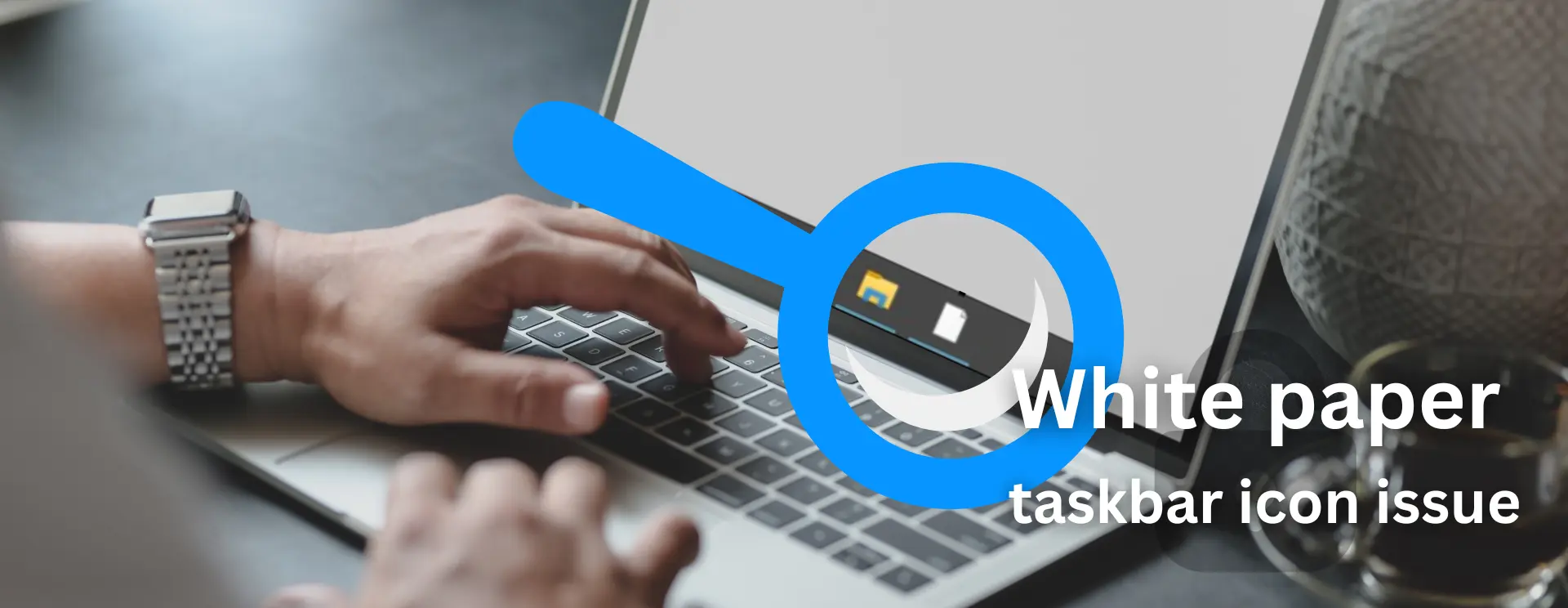
To fix taskbar white paper icon issue on your Windows machine, run these command one by one.
Open Command Prompt as Administrator
First kill Windows explorer process:
taskkill /F /IM explorer.exe
Change directory to LocalAppData:
cd %USERPROFILE%\AppData\Local
Change attribute of IconCache.db:
attrib -h IconCache.db
Delete IconCache.db:
del IconCache.db
Run Windows Explorer again:
explorer.exe