
We can use wait command to finish a job and shedule another task when previous command is finished. However this method works only if previous command is a child process of the current shell.
To overcome this issue, we can use while loop to monitor previous command.
ping 1.1.1.1 -w 200
This command will ping the ip 1.1.1.1 200 times. If we want to run another ping command in another shell of the same machine after this ping command is over, we can easily do it using while loop to track it.
Fist we need process id of this command.
pidof ping
In this example, I used pidof command. If pidof does not work for you, you can use ps -C command.
ps -C sleep
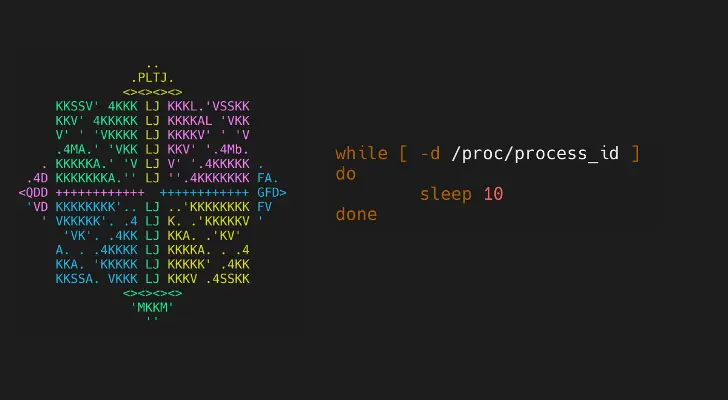
Once we get the process id, create a while loop to monitor it, and then execute another command.
while [ -d /proc/process_id ] ; do sleep 10 ; done ; ping 8.8.8.8
You can adjust the value of sleep according to your scenario.
Using this method, you can wait for a non-child process to finish before executing another command. Use this method if you are getting error wait: pid is not a child of this shell.